Starting today, there is an official OpenAI browser for using ChatGPT.
ChatGPT Atlas—named after Atlas (the Greek titan who held up the sky)—has been officially released as OpenAI’s first AI-native browser.

What can it do?
ChatGPT Conversational Capabilities: You can chat directly in every tab as soon as you open it.
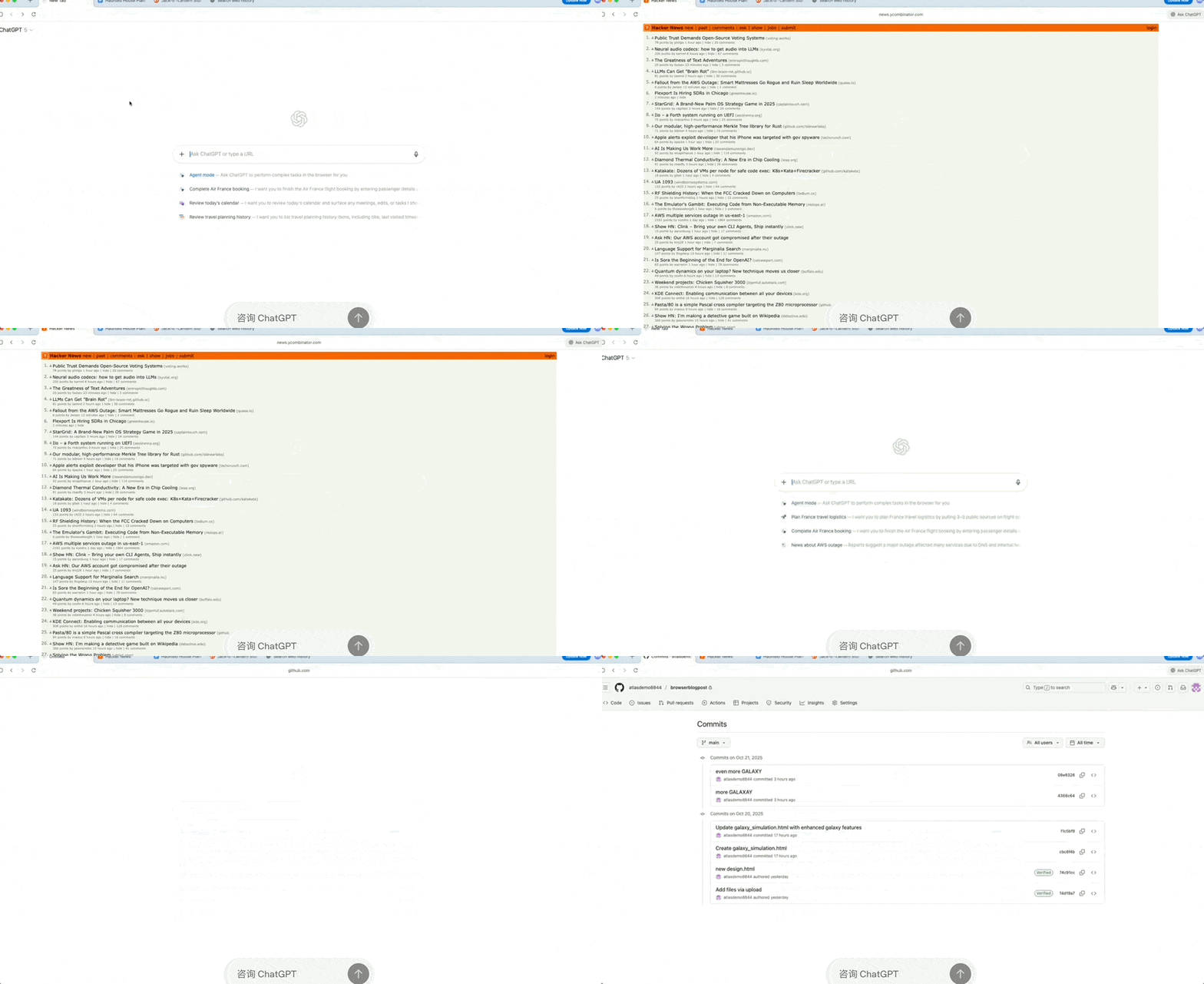
Browser Context Assistant: You can ask questions directly about the article page you are currently viewing within the browser. There is no need to copy and paste or provide background context information.
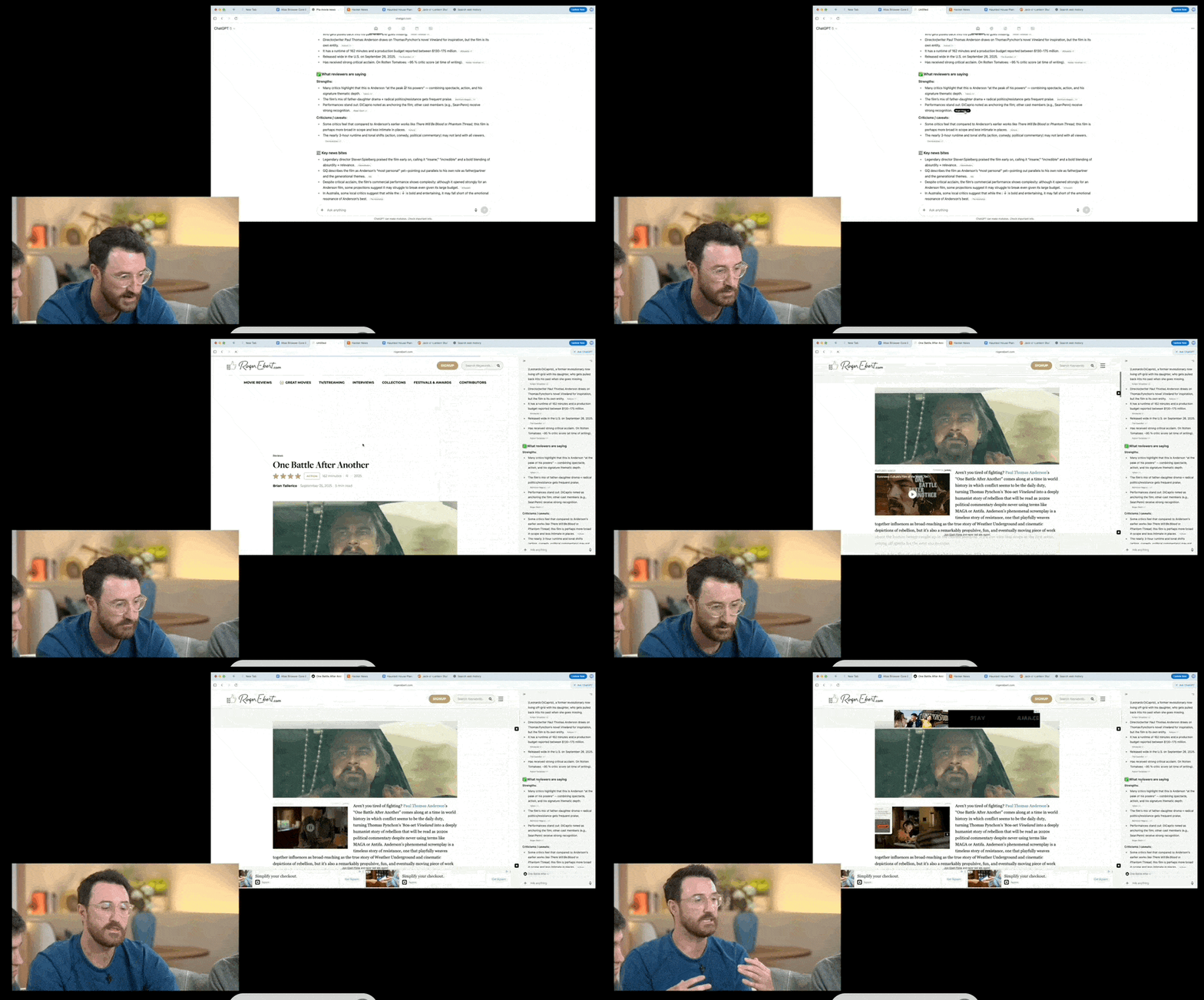
Built-in Memory: If you enable the “Browser Memory” feature, it records key content you have browsed, tasks you have started, and topics you follow.
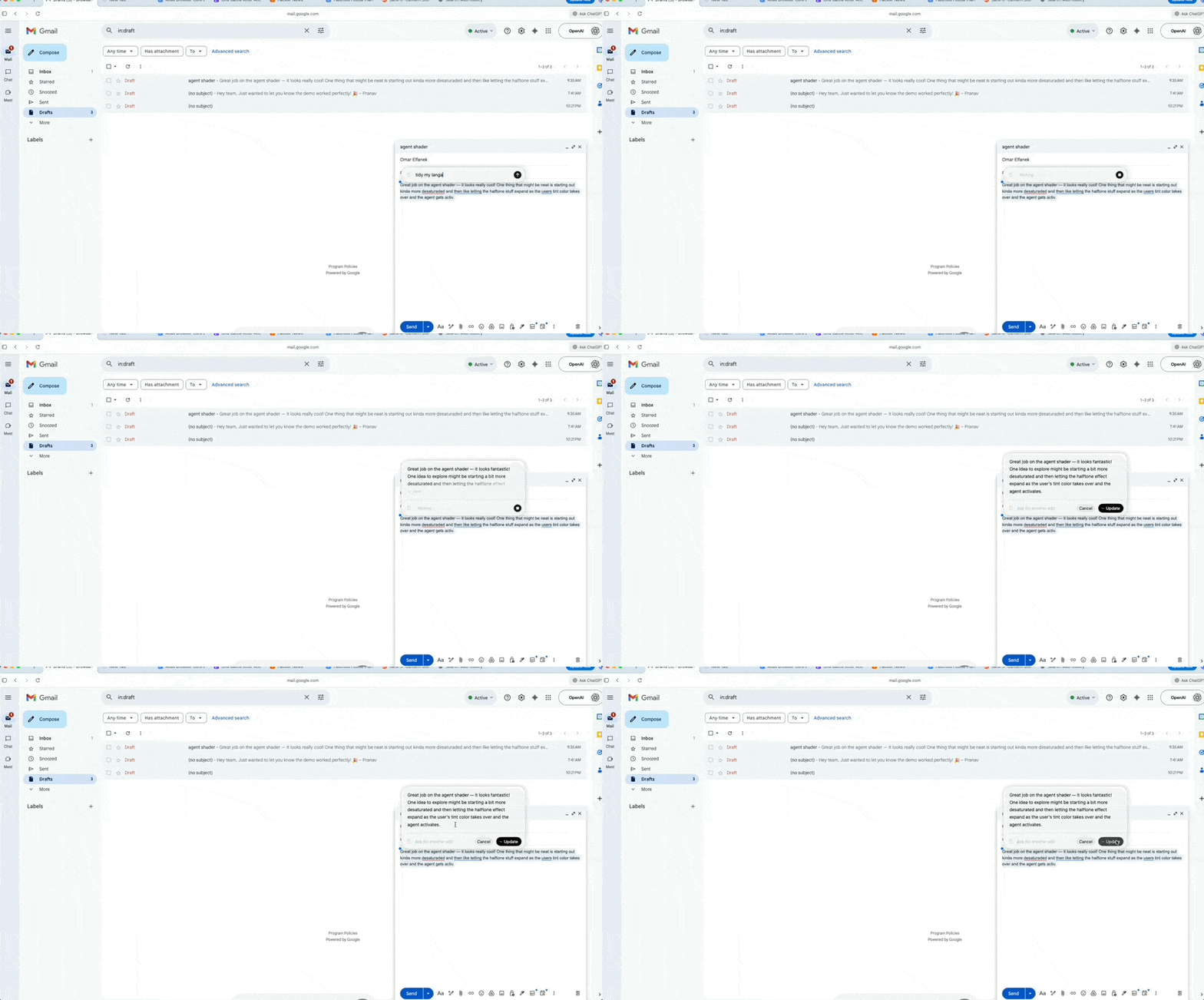
“Cursor Chat” Feature: You can select text and directly ask ChatGPT to edit, polish, or rewrite it without switching windows.
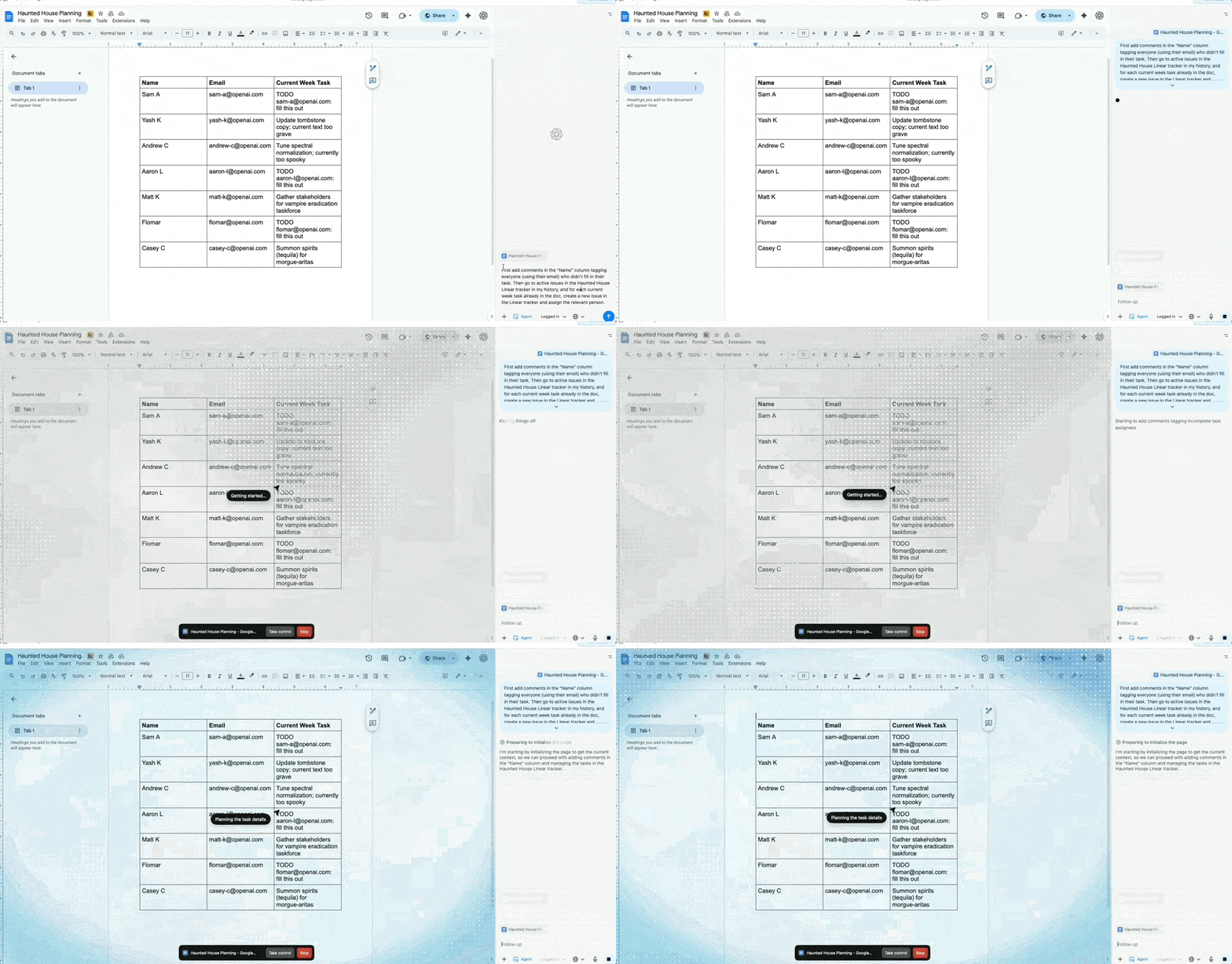
Agent Capabilities: It features an Agent Mode where ChatGPT can perform a series of operations on web pages for you. For example: deep research, comparisons, filling out forms, adding items to the shopping cart, booking restaurants/flights, and more.
…
In short, capabilities currently available in ChatGPT are being end-to-end integrated into the browser. Future ChatGPT features will also likely be integrated into the ChatGPT Atlas browser.
This is a new entry point for OpenAI, a traffic gateway that allows users to access ChatGPT without going through Google Chrome or Microsoft Edge.
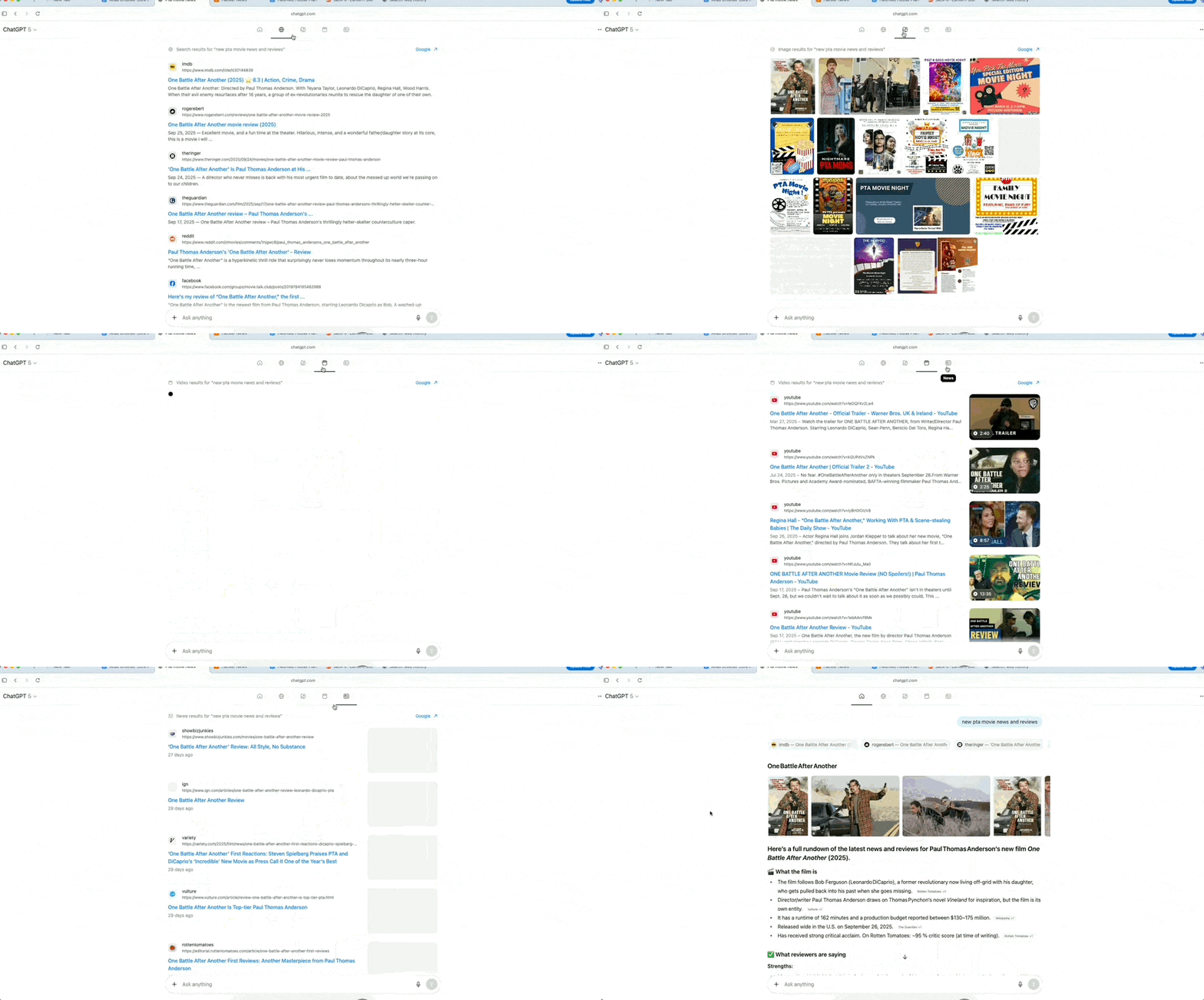
Since the emergence of ChatGPT, search has been redefined.
Now, OpenAI is officially stepping in to redefine browsers and internet entry points.
Starting today, Apple Mac users can download and use it first.
OpenAI’s First ChatGPT Browser Released
As its debut browser, the release of ChatGPT Atlas was swift and targeted, with little prior hype—a reason we will discuss later.
OpenAI describes this as a truly AI-native, AI-driven browser, yet it is still built on Google’s open-source Chromium engine.
It is more than just a browser; it functions as an integrated tool combining “browsing + conversational chat + task agents.” While you browse web pages, ChatGPT is available alongside and can “operate” the page under certain conditions.
First, every tab integrates ChatGPT conversation capabilities.
In traditional browsers, you need to open a webpage, navigate to the ChatGPT website, or open a new tab to start chatting. In the Atlas browser, you can ask questions about or chat regarding the current webpage content directly in the sidebar next to each tab.
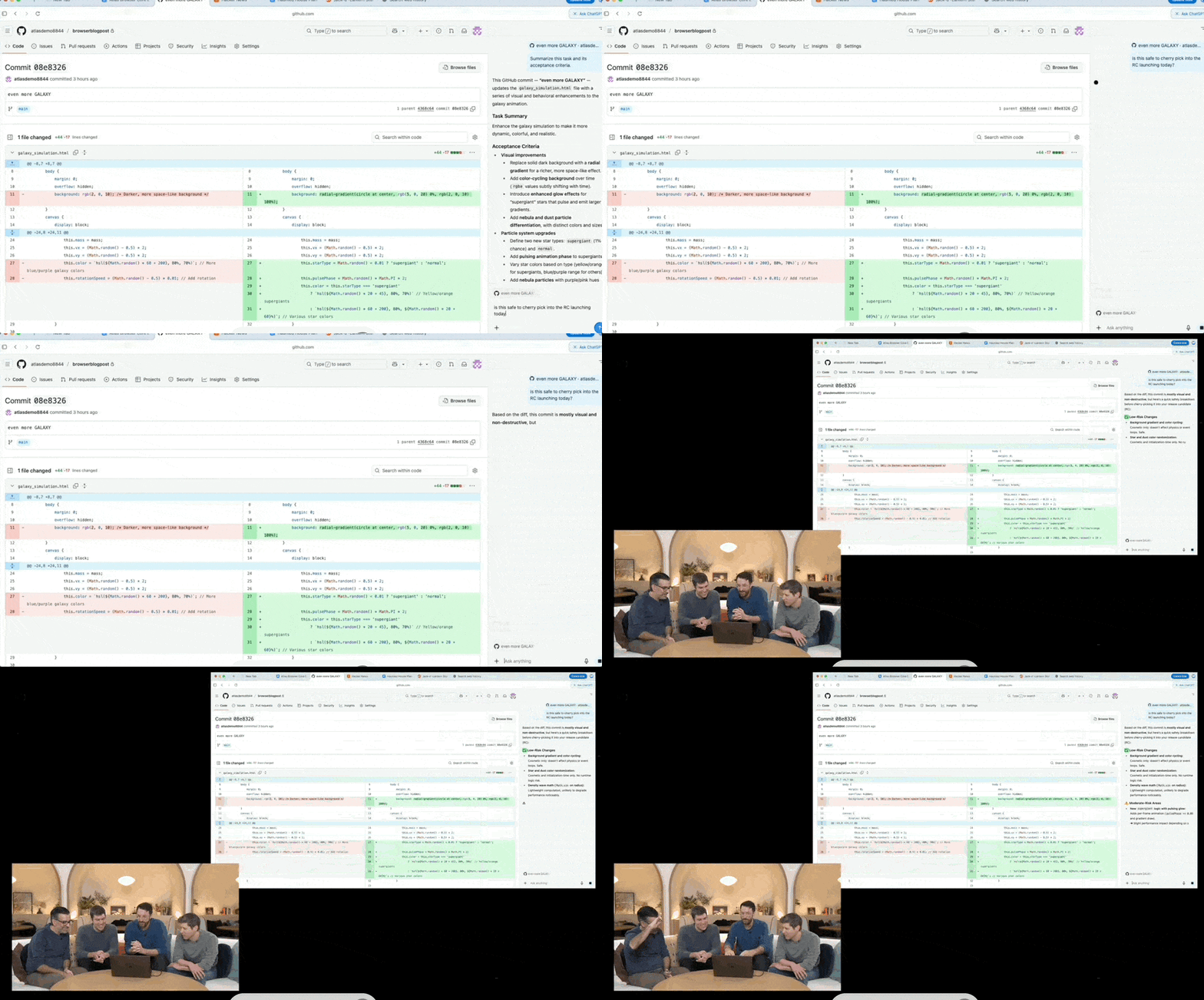
For example, if you are viewing this article on our site in the browser, you can directly ask, “What is the core argument of this article?” or “What are the pros and cons of ChatGPT Atlas compared to other browsers?”
There is no need to copy and paste URLs or the content you wish to inquire about.
Second is the assistant capability of ChatGPT.
When you are viewing content, provided login and privacy permissions are granted, ChatGPT is also “viewing” it with you. When you ask a question, it can provide more targeted answers based on your specific context.
If you are looking at travel guides or websites, ChatGPT likely understands the context that you might need something like a “7-day Sanya itinerary.” It can help plan and generate content more precisely. Additionally, there is an “Ask ChatGPT” sidebar next to the page where users can interact at any time.
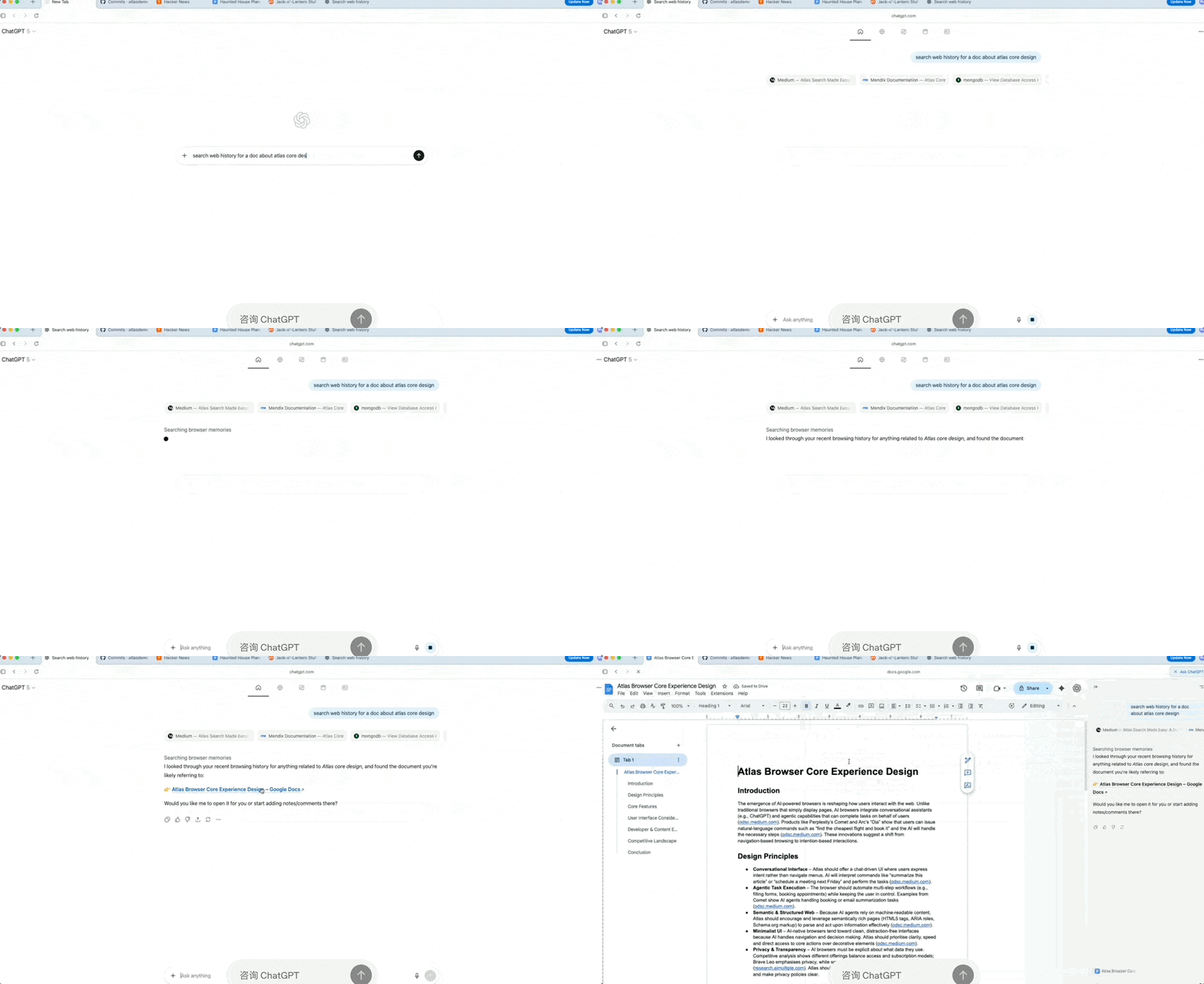
Third, memory capabilities have been brought into the browser.
Once Browser Memory is enabled, ChatGPT remembers the background information of websites you visit and retrieves this information when needed. Therefore, when you need assistance, there is no need to provide background context or prompts; simply tell ChatGPT:
“Find all job recruitment listings I browsed last week, summarize industry trends, and help me prepare for interviews.”
However, this raises the critical issue of user browsing privacy.
Therefore, OpenAI emphasizes that the browser memory feature in Atlas is entirely optional. Users can view or archive memories at any time in settings, and clearing browsing history will simultaneously delete related browser memories.
Fourth is the “Cursor Chat” feature, which allows you to select text and directly ask ChatGPT to edit, polish, or rewrite it.
This increases efficiency in replying to emails, organizing reports, or rewriting information, saving the need to switch between different products and applications.
Essentially, OpenAI wants you to complete everything you do online within the ChatGPT Atlas browser—in fact, opening just this one browser may be sufficient.
Fifth is Agent Mode. This mode leverages your browsing context for faster speed and greater practicality, enabling better research and analysis, task automation, and itinerary planning or booking while you browse.
For example, if you give ChatGPT the instruction, “I want to host a dinner party; help me find recipes, put the required ingredients in the shopping cart, and place an order for delivery.”
Atlas’s Agent Mode attempts to complete the entire process from research to ordering on your behalf.
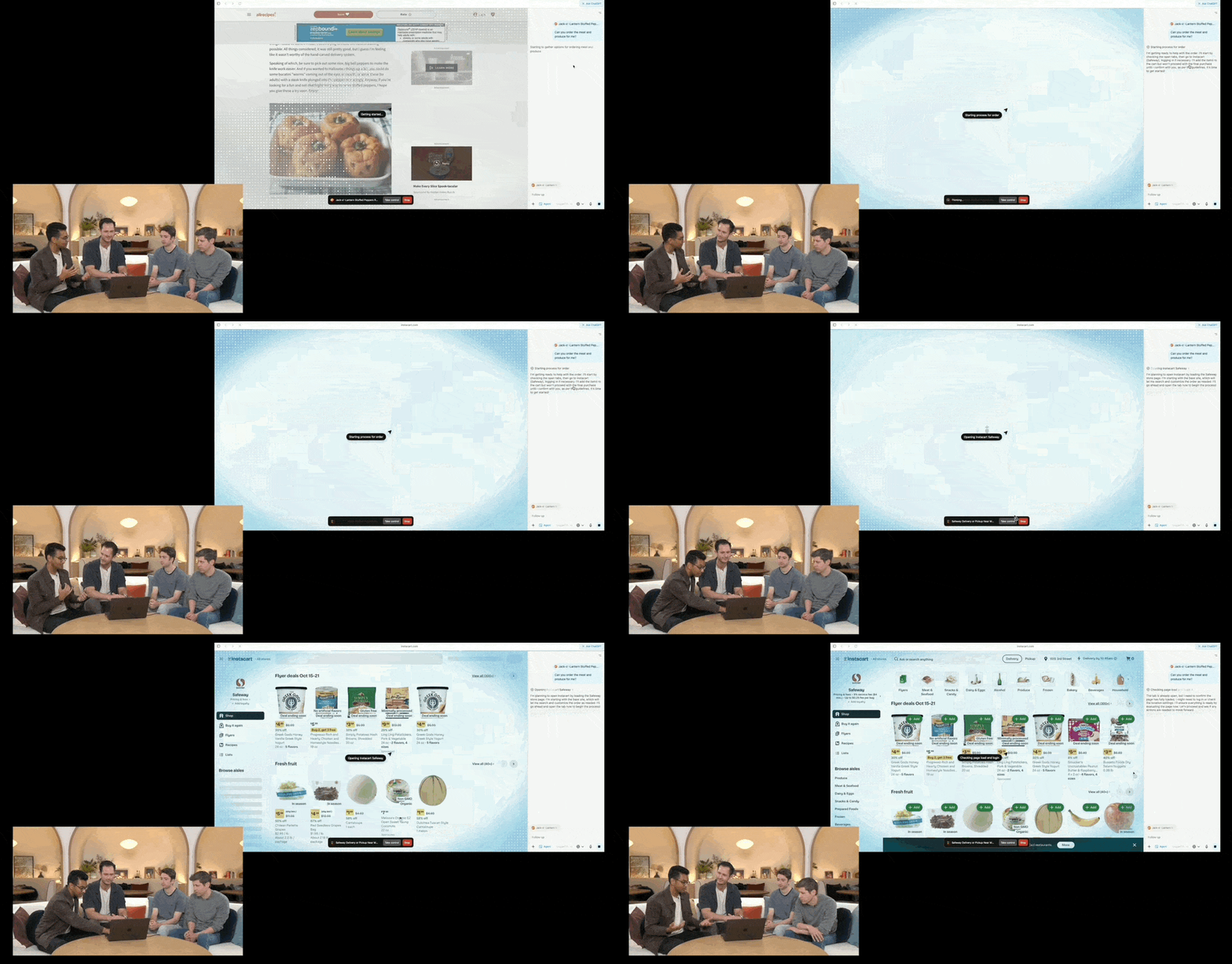
This is a major weapon reserved by OpenAI under the Agent process.
After all, as model capabilities enhance and various Agents proliferate, OpenAI can build an entirely new Agent ecosystem around the browser, similar to what Google Chrome has done.
Agent capabilities are also one of OpenAI’s business models for ChatGPT Atlas—currently, the Agent mode is available in preview for paid users (Plus, Pro, and Business).
Notably, risk and privacy security have been the most concerned and questioned issues following the release of the ChatGPT Atlas browser.
OpenAI has repeatedly emphasized that it prioritized safety from the start and implemented multiple enhancements.
What can ChatGPT Atlas not do?
It cannot run code, download files, or install extensions within the browser;
It cannot access other applications on your computer or the file system;
Operations will pause on specific sensitive websites (such as financial institutions) to ensure user confirmation;
Agent capabilities are restricted in logout mode to limit risks associated with accessing sensitive data and performing actions on behalf of users.
Additionally, OpenAI has set up a Parental Control mode.
Finally, most importantly, this browser allows users to enable or disable memory capabilities and browsing history memories, which are closely related to user privacy.
It supports Incognito Mode.
Why is OpenAI releasing a browser now?
AI-native browsers are no longer novel, but for OpenAI, why is it happening now?
The most direct reason is naturally to precisely target Google.
Based on various leaks, the release of Gemini 3 is imminent, and its launch may include reshaping and integrating browsing capabilities.
A deeper reason is OpenAI’s further strengthening of traffic entry points, search models, and advertising commercialization.
Currently, mainstream information retrieval and traffic distribution channels are still dominated by Google and Chrome. If OpenAI wants a share of the cake, it needs an end-to-end platform that it controls.
If users get into the habit of starting ChatGPT “conversational searches” from the Atlas browser rather than traditionally entering keywords and clicking links, Google’s traffic and advertising distribution models will face foundational challenges.
OpenAI can naturally replace them or establish its own business model in this field.
In fact, the business model around browsers + Agents has already begun. This paid subscription plus Agent feature is just a small test; later, it could further align with Apple’s app ecosystem and App Store.
For the entire industry, OpenAI’s decision to develop its own browser speaks for itself.
As AI assistants have developed to this stage, core capabilities and boundaries are becoming increasingly clear, and corresponding product forms are being reshaped.
Browsers are being reshaped. Traditional browsers were primarily tools for opening web pages, rendering, tab management, and user plugin extensions. However, the release of ChatGPT Atlas demonstrates that browsers are transforming into “smart assistant + task automation” platforms.
Furthermore, AI capabilities are evolving from “passive recommendation” to “active execution.”
The “Agent Mode” allows AI not only to answer questions but also to execute tasks on behalf of users within the browser (such as price comparison, shopping, booking)… This confirms a trend: AI is no longer just about “providing suggestions,” but about “acting on behalf of users.”
The shift from tools to agents (assistant → agent) will change existing models across many internet industries. Sectors such as e-commerce, travel, financial services, and SaaS must rethink their “user interfaces + service delivery methods.”
The internet is entering a new Agentic era.
Are you ready?
Official Link: https://openai.com/index/introducing-chatgpt-atlas/