Claude 3.5’s newly updated “Artifacts” mode now supports one-click sharing of completed web applications!
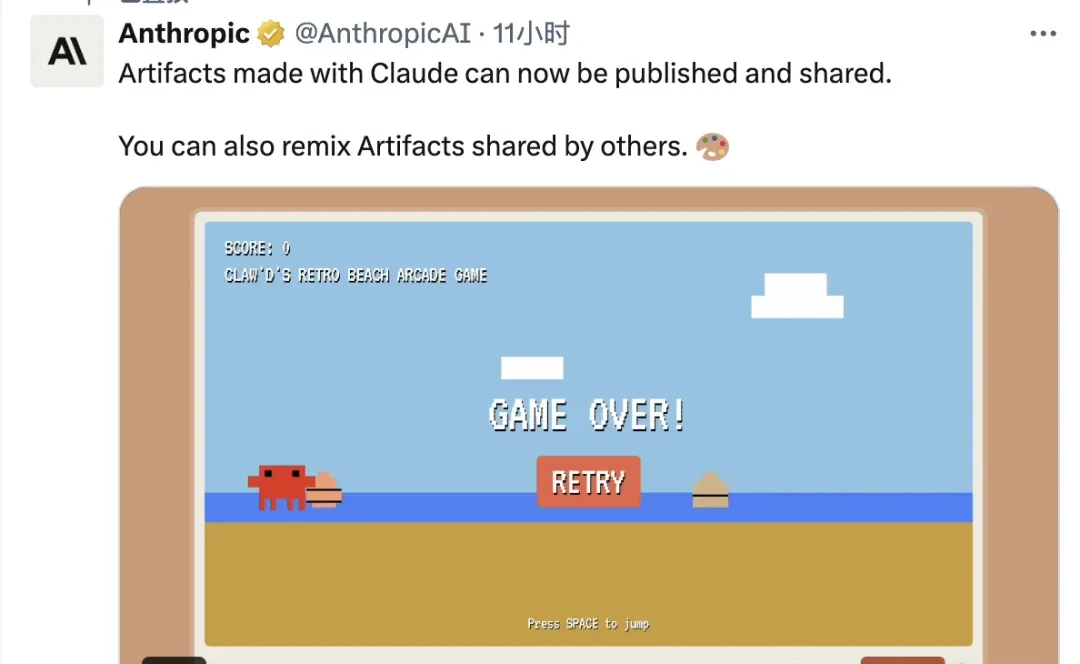
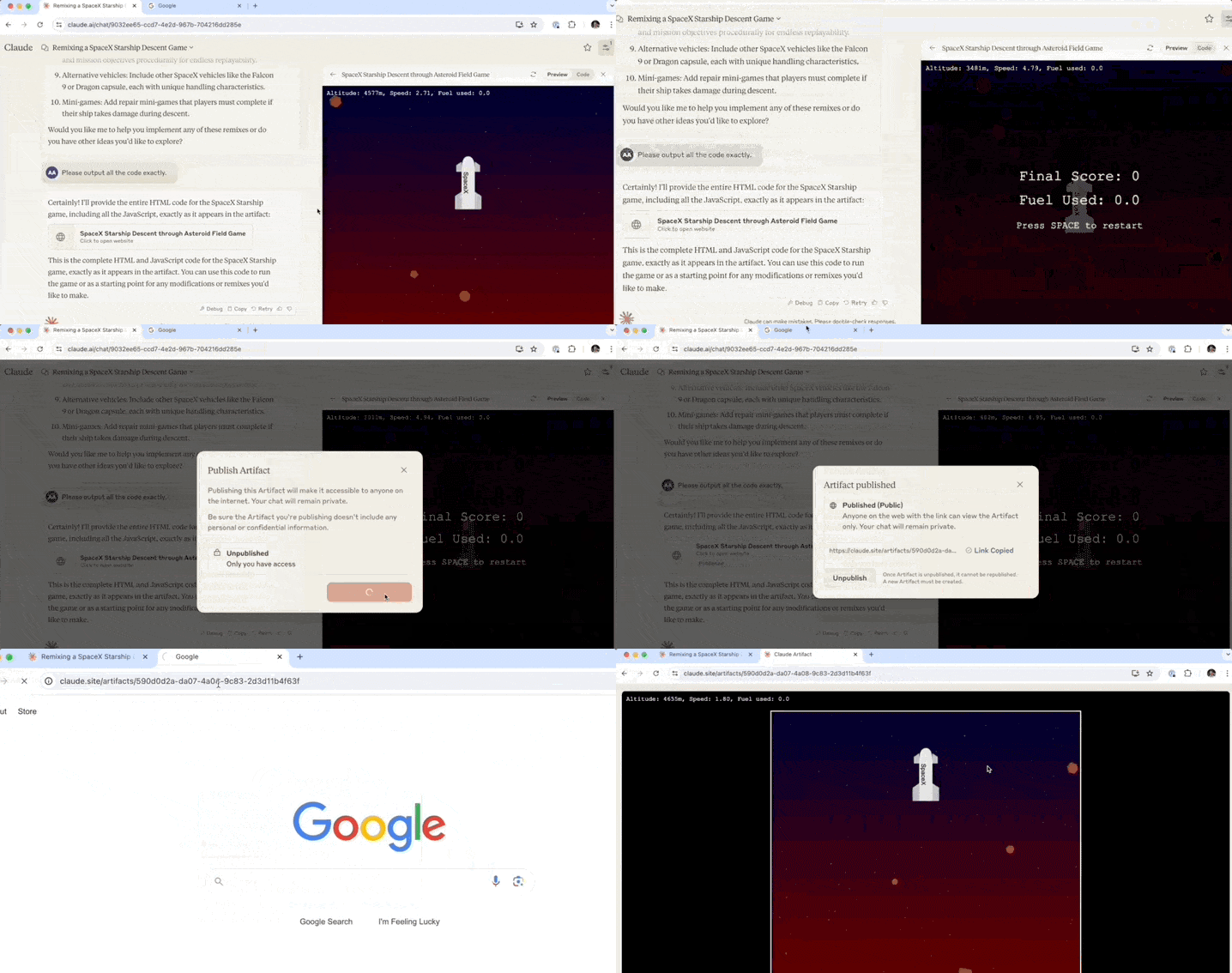
No need to set up your own server or deploy backend programs; simply click a button to automatically generate a shareable link.
Moreover, shared applications can be imported into your own conversation with one click, allowing you to quickly create and modify new versions.
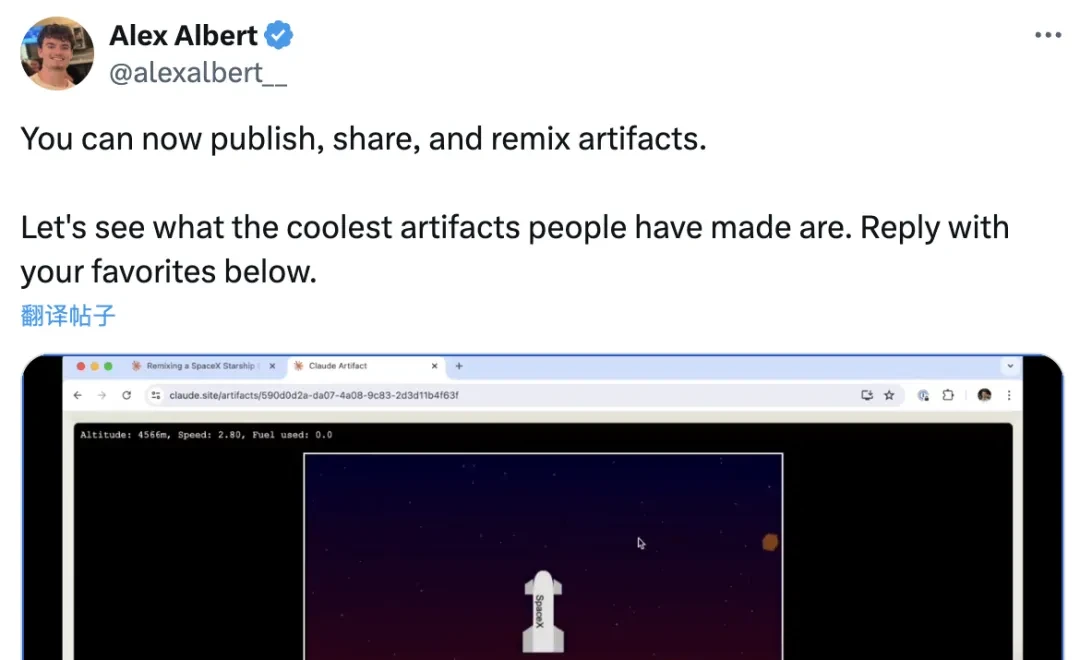
In addition to the official announcement, Alex Albert, Anthropic’s Prompt Engineer and Head of Developer Relations, also announced this news on X (formerly Twitter).
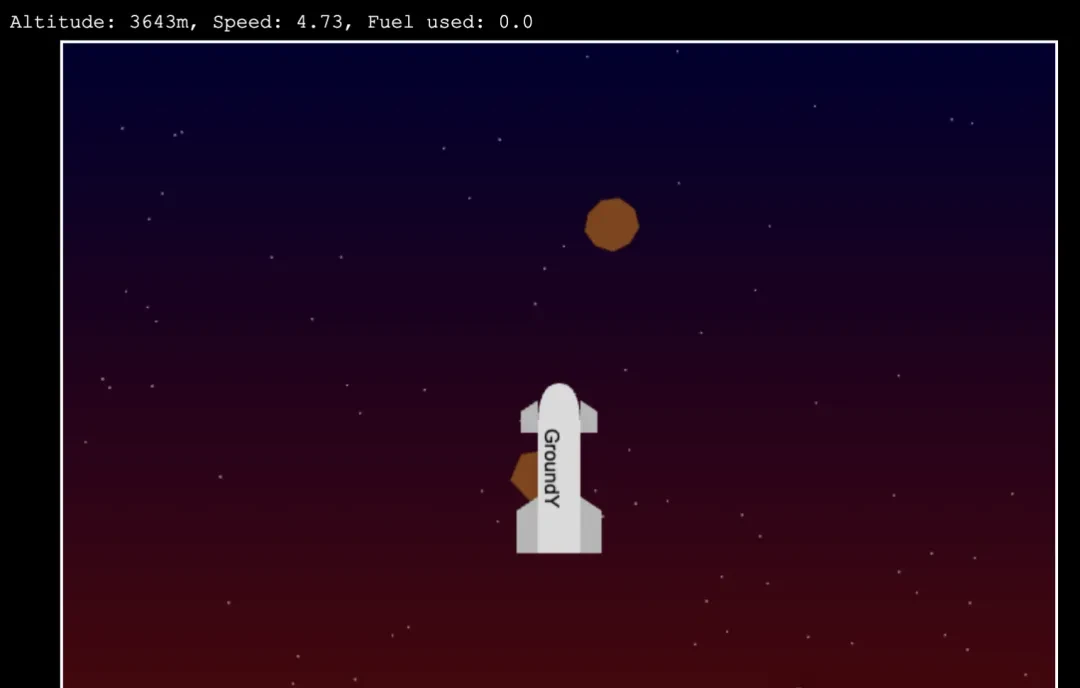
While introducing the feature, Alex demonstrated a spaceship mini-game created using Claude.
This marks another surprise for users since the major version 3.5 update and the launch of “Artifacts” mode.
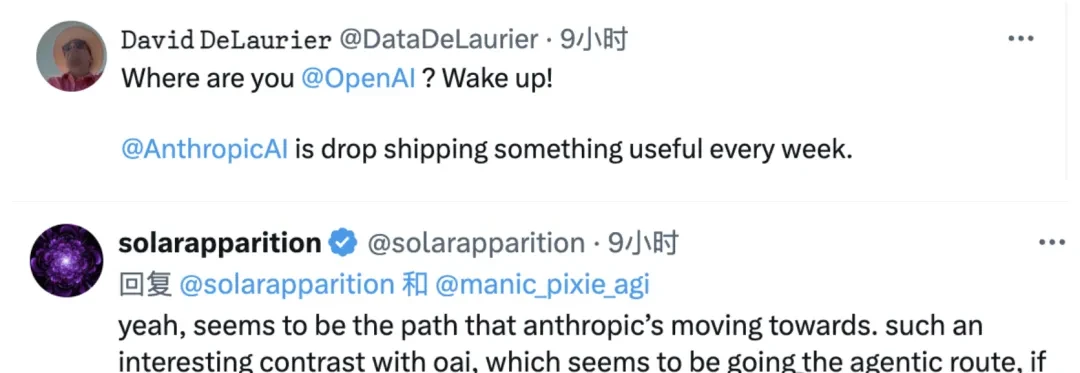
The continuous release of new features has led many netizens to call out OpenAI, asking what they are doing, as the contrast between the two companies has become increasingly stark.
However, Claude’s official platform has not yet launched a curated collection similar to GPTs Store; sharing currently relies on links.
Enthusiastic users have already set up repositories on GitHub to collect works from across the web.
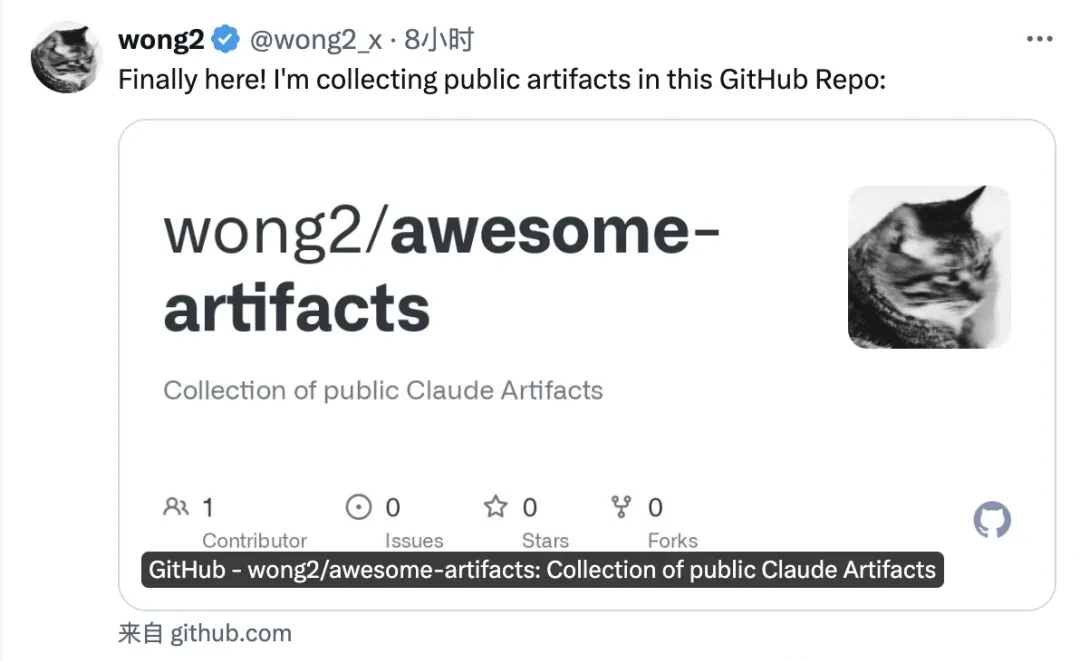
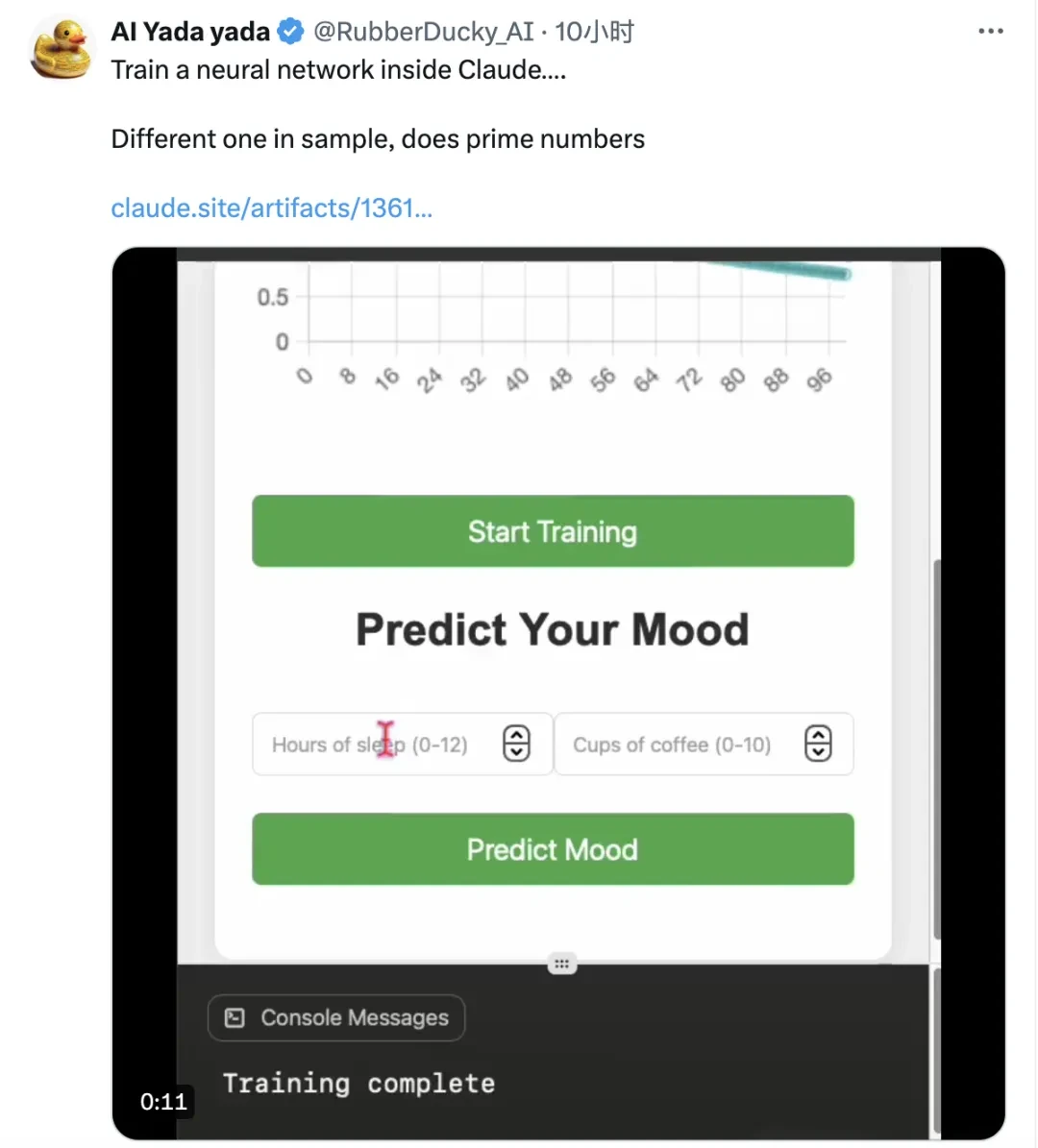
Of course, in Alex’s comment section, many users have already showcased their creations. Some even trained neural networks directly within Claude and made the code public.
Game Applications: Publish Immediately After Writing
We tested this new mode immediately upon its release.
Upon entering Claude, a flask icon appears in the chat box. Clicking it reveals that Artifacts mode is already enabled (if not, you can turn it on manually).
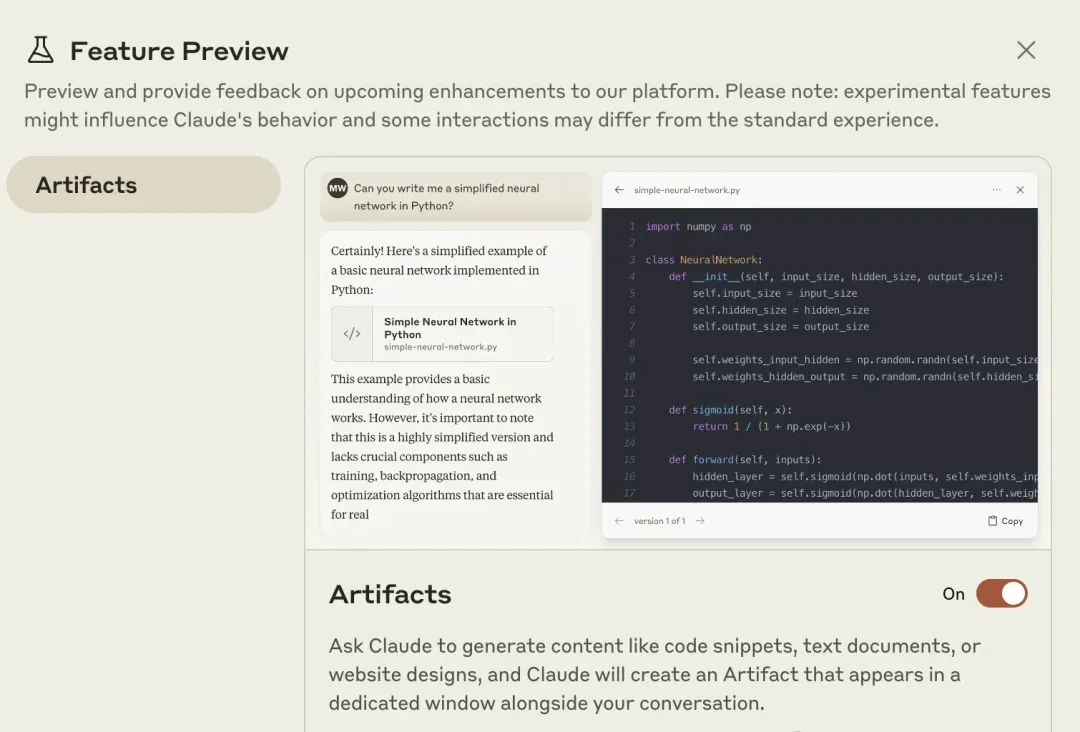
Once activated, if your request to Claude involves relevant content, the interface automatically switches to a split-screen mode (technically a floating window, but it appears as split-screen due to the large page size).
The left side displays the normal chat dialog, while the right side shows the code and preview pane.
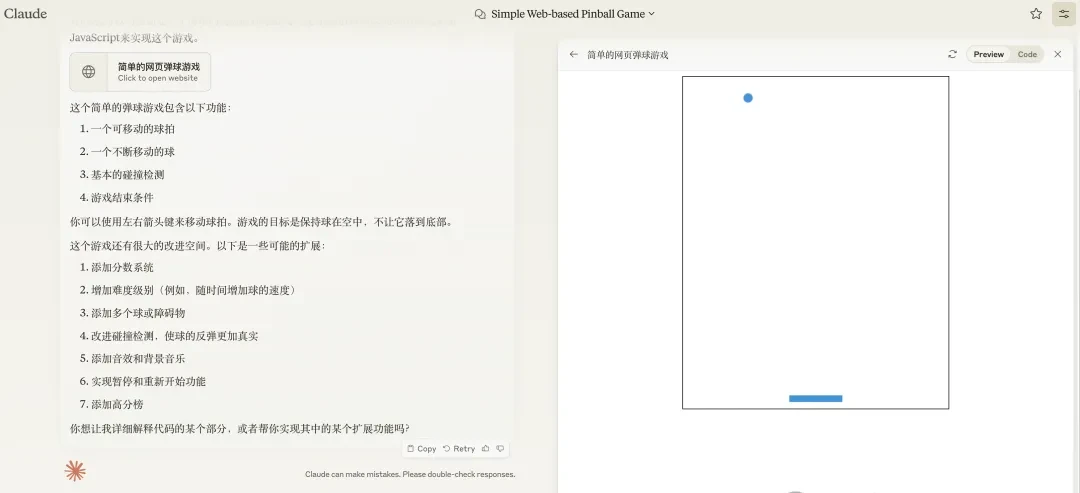
In the right-hand screen, the code scrolls rapidly during generation. Once complete, it immediately jumps to the preview interface.
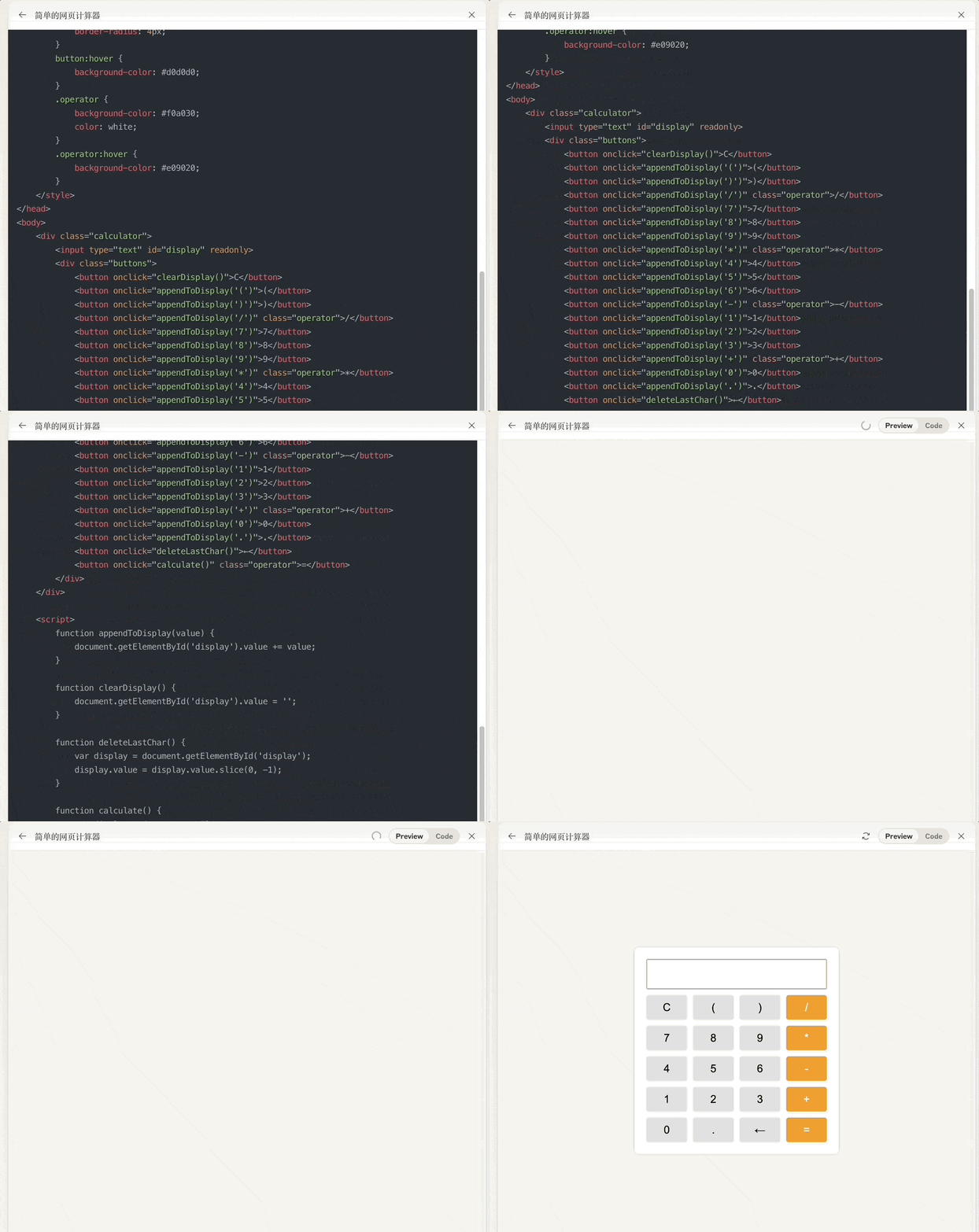
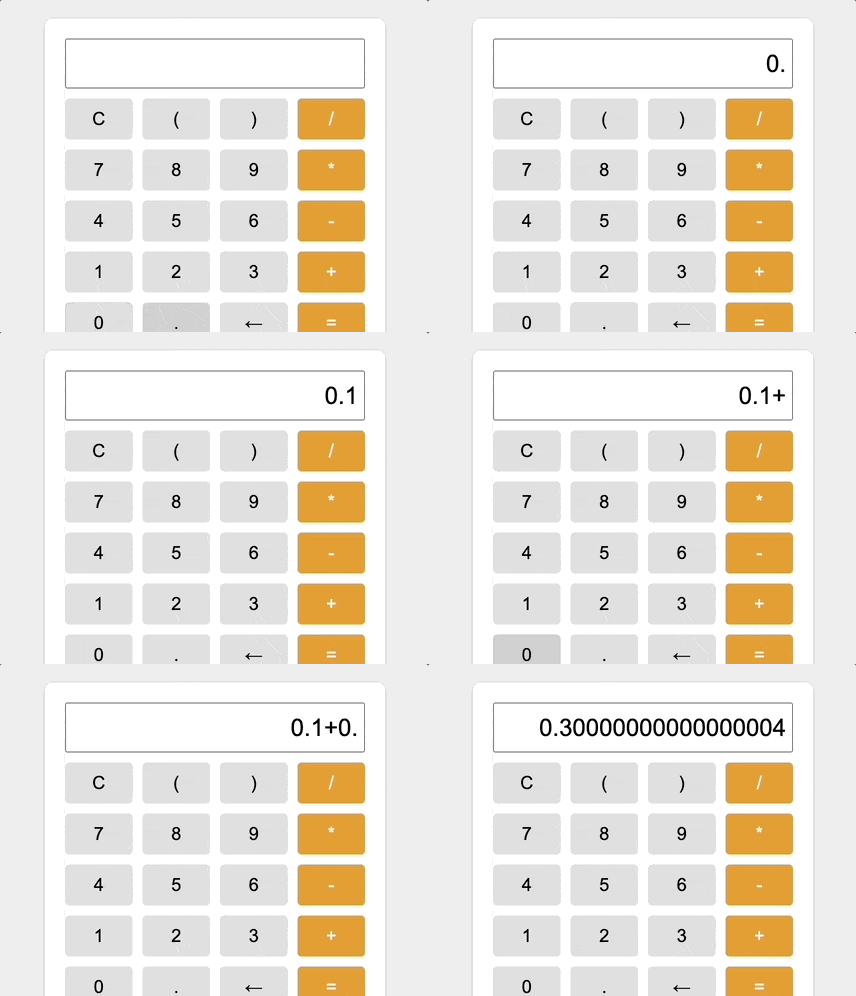
However, in this simple calculator demo, a classic bug appears due to floating-point precision issues in JavaScript: 0.1 + 0.2 does not equal 0.3.
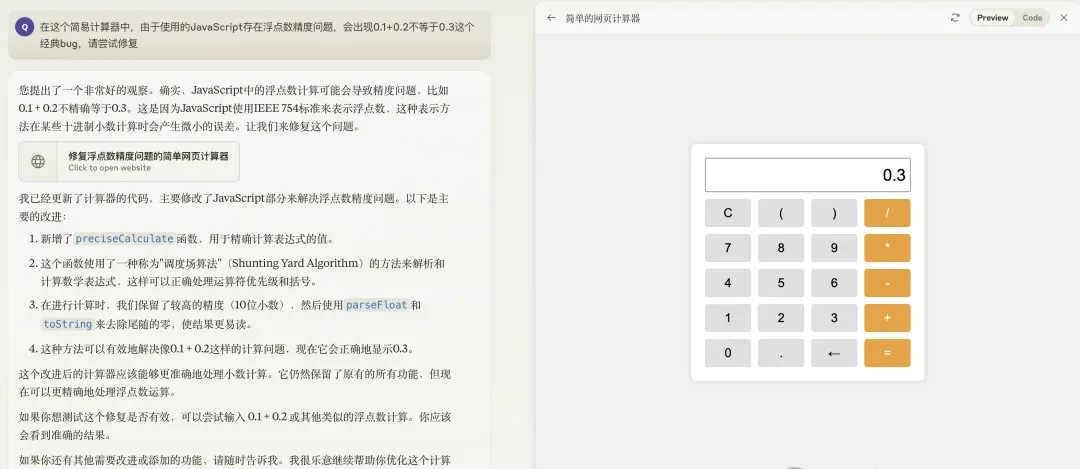
When we asked Claude to fix this, it provided a textual explanation on the left while generating new code on the right. It then automatically jumped back to the preview, showing that the bug had been successfully fixed.
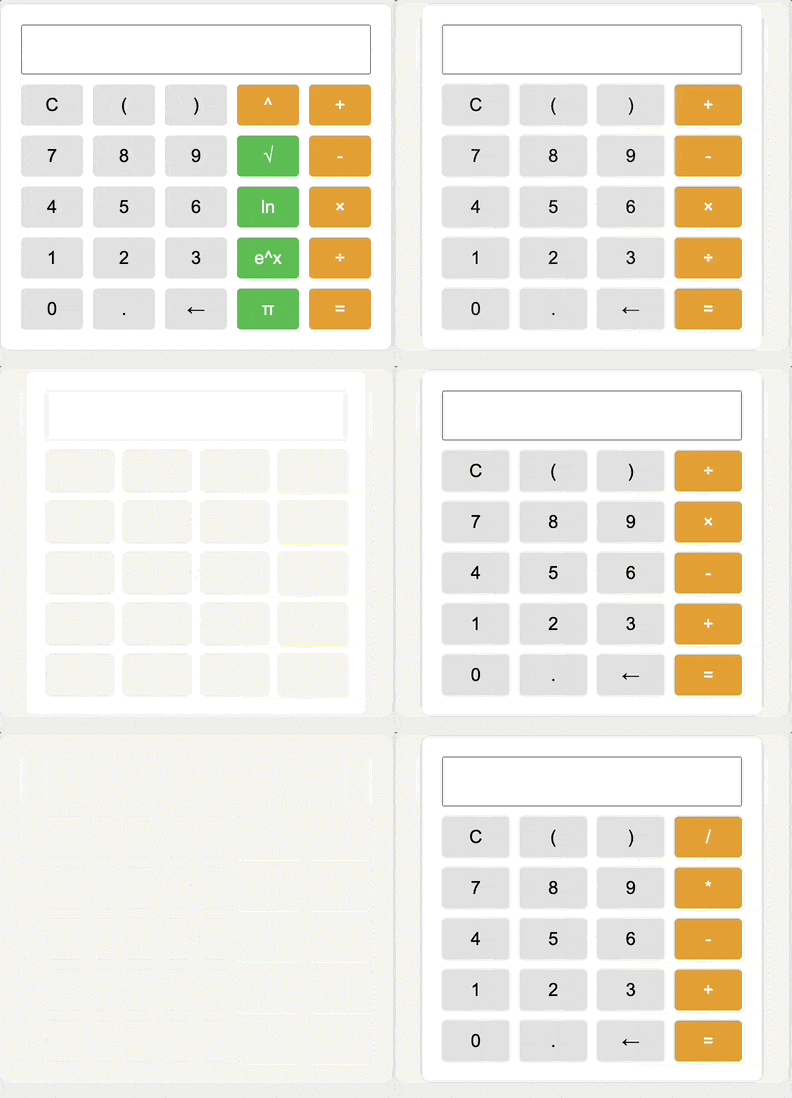
Additionally, “Artifacts mode” remembers every modified version of the program. You can click an arrow to switch between multiple versions for future reference.
Compared to when “Artifacts mode” first launched, a Publish button has now appeared in the preview frame, which is the core of this update.
Clicking it prompts for confirmation; clicking “Publish & Copy Link” then generates a shareable link.
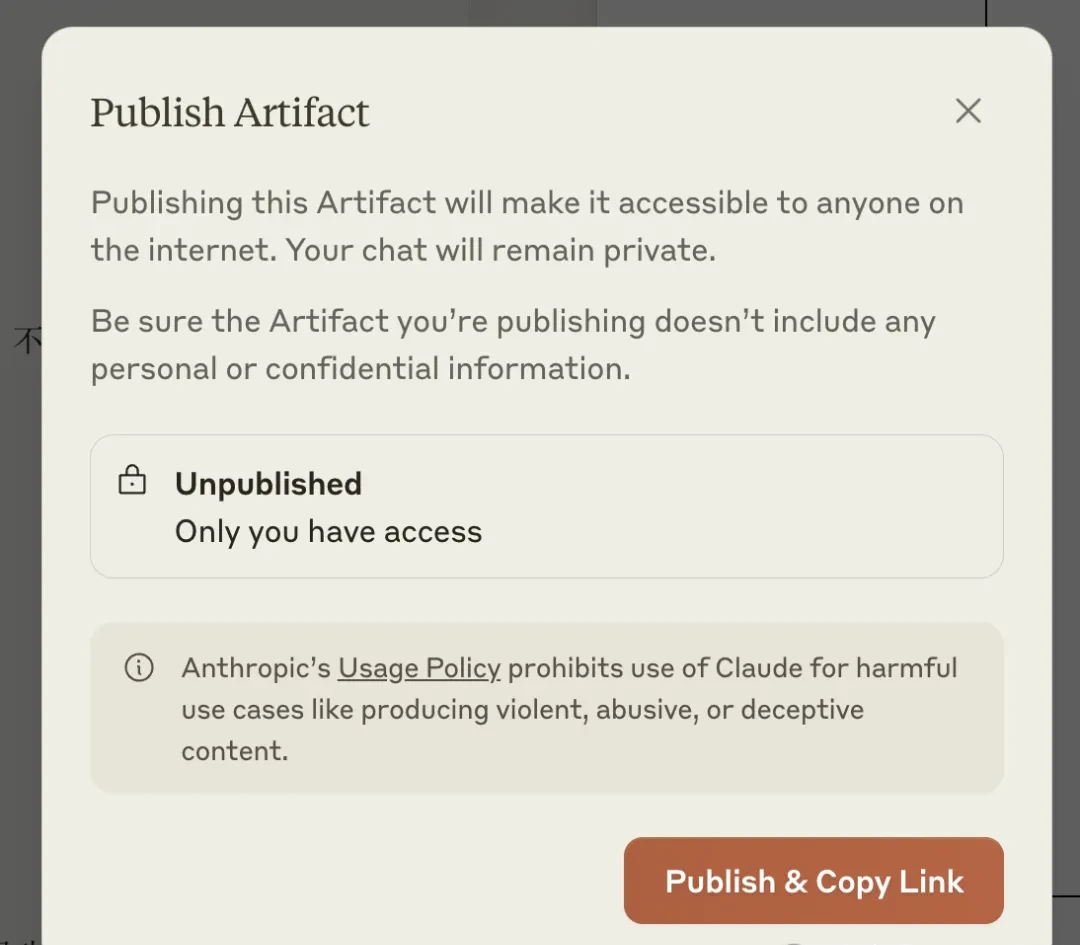
With just the link, anyone can play the shared application. No membership or even a Claude account is required.
For general large language models, this greatly simplifies the deployment process. Users with ideas but limited technical skills can now design and publish their own applications directly.
Previously, using similar large models meant writing code and receiving textual instructions on how to deploy it, leaving some barriers in the subsequent steps.
Furthermore, applications shared by others support one-click cloning into your own Claude account, allowing for repairs or further modifications (“remixing”).
The entry point for this feature is the Remix button located at the bottom right of the share page.
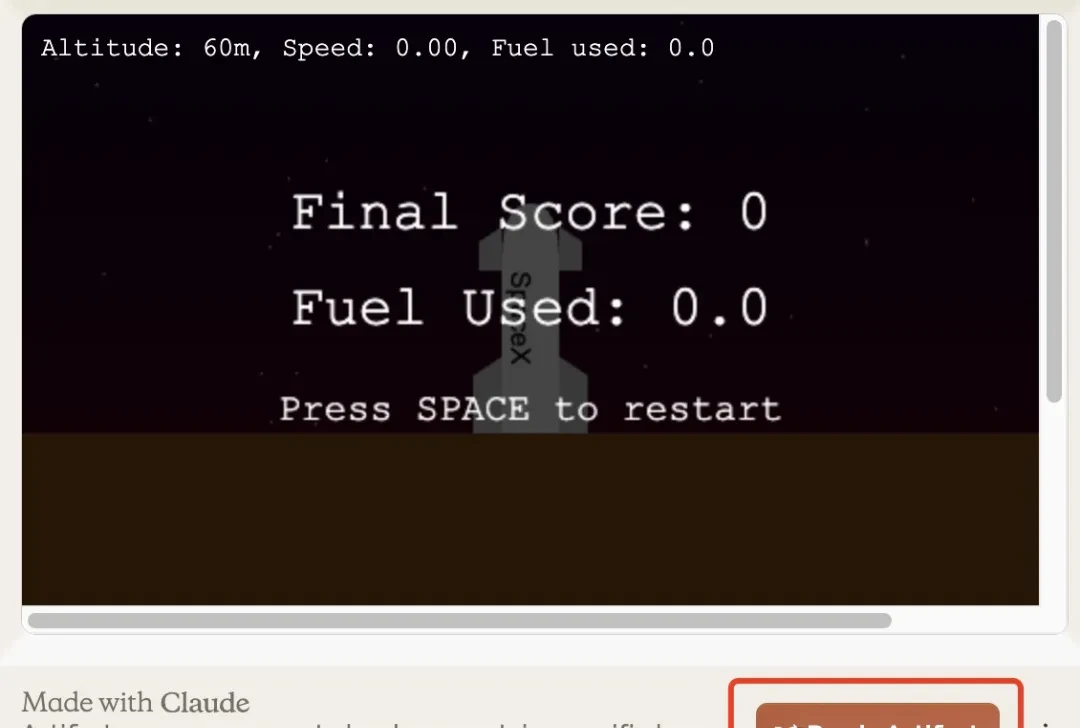
Provided you are logged in, clicking the button automatically redirects you to your own conversation window. You will see that the system has converted the application into a document and added a prompt instruction.
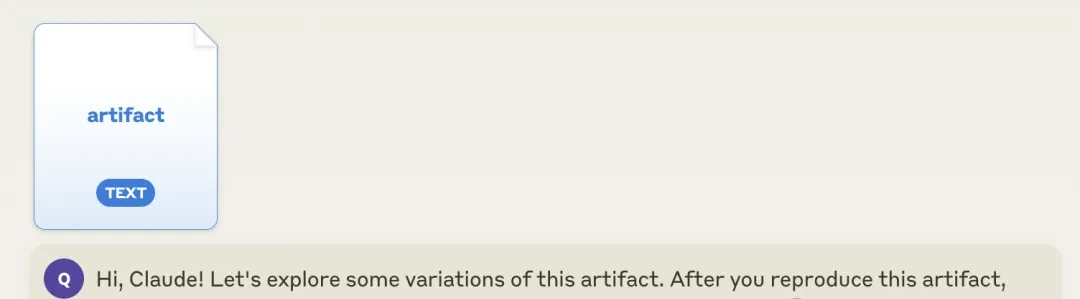
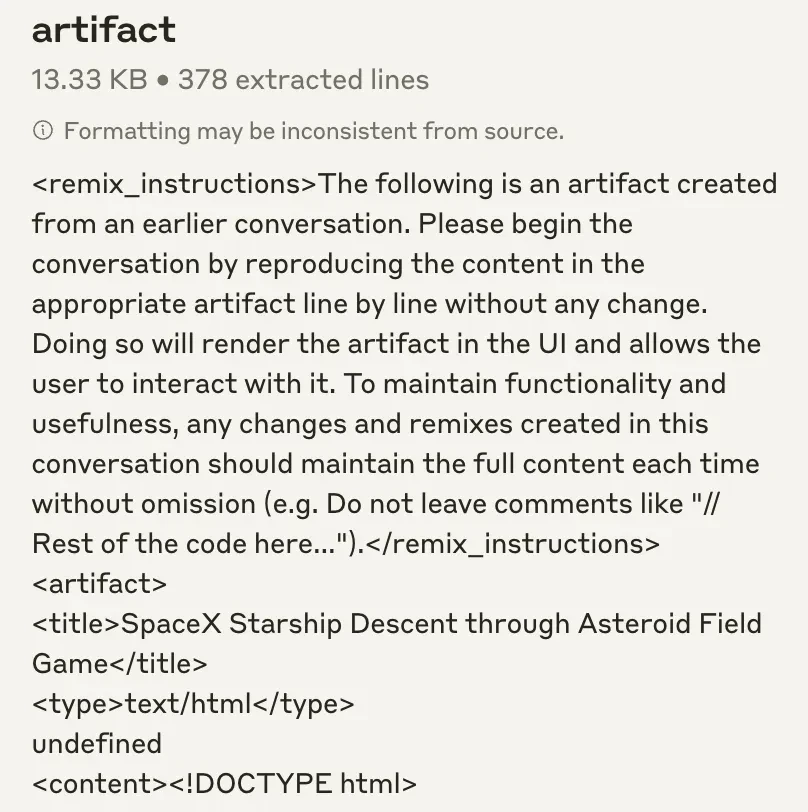
The content of this document consists of the complete HTML code preceded by instructions on how to remix it.
We tried a simple modification: changing the text on the rocket in the game. By simply stating our request as we would normally with Claude, the change was made easily.
In addition to this well-received update, Anthropic also announced another upgrade concerning Claude’s Developer Console.
System Generates Prompts If You Don’t Know How
Specifically, the updates to the Developer Console primarily involve two features.
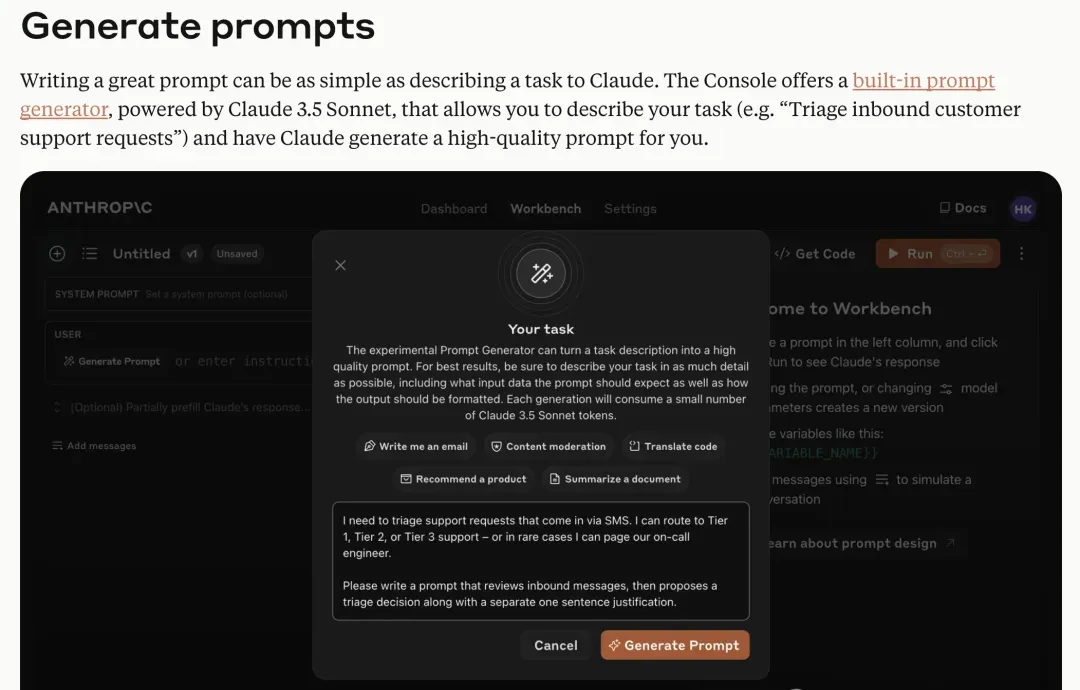
The first feature is prompt generation and optimization.
Although we communicate with large models using natural language, our style differs somewhat from human conversation.
With this feature, you no longer need to think about specialized prompt engineering languages; you can describe your needs as you would in a normal conversation.
Powered by the latest Claude 3.5 Sonnet, it automatically generates prompts better suited for large models based on task objectives and sends them to the model with one click.
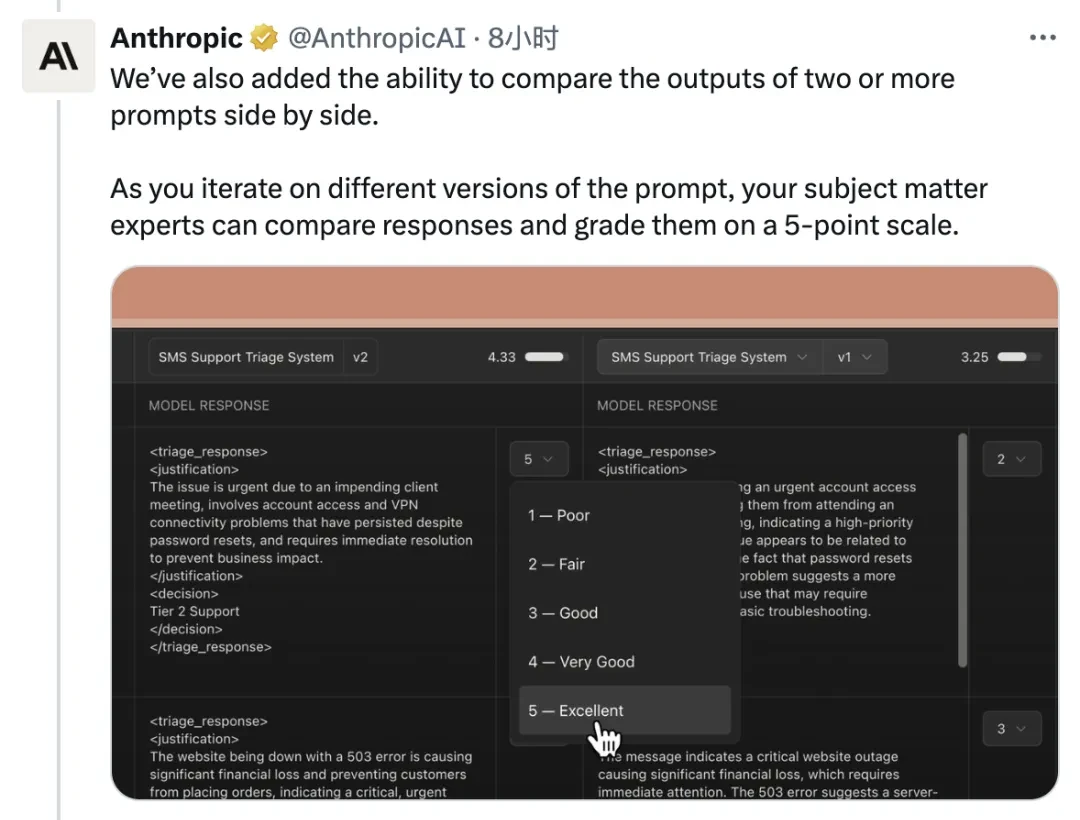
Anthropic is well aware that prompts significantly impact generation results, so they have also added a feature for comparing outputs from different prompts. Users can rate the system-generated prompts based on the results, thereby encouraging Claude to improve.
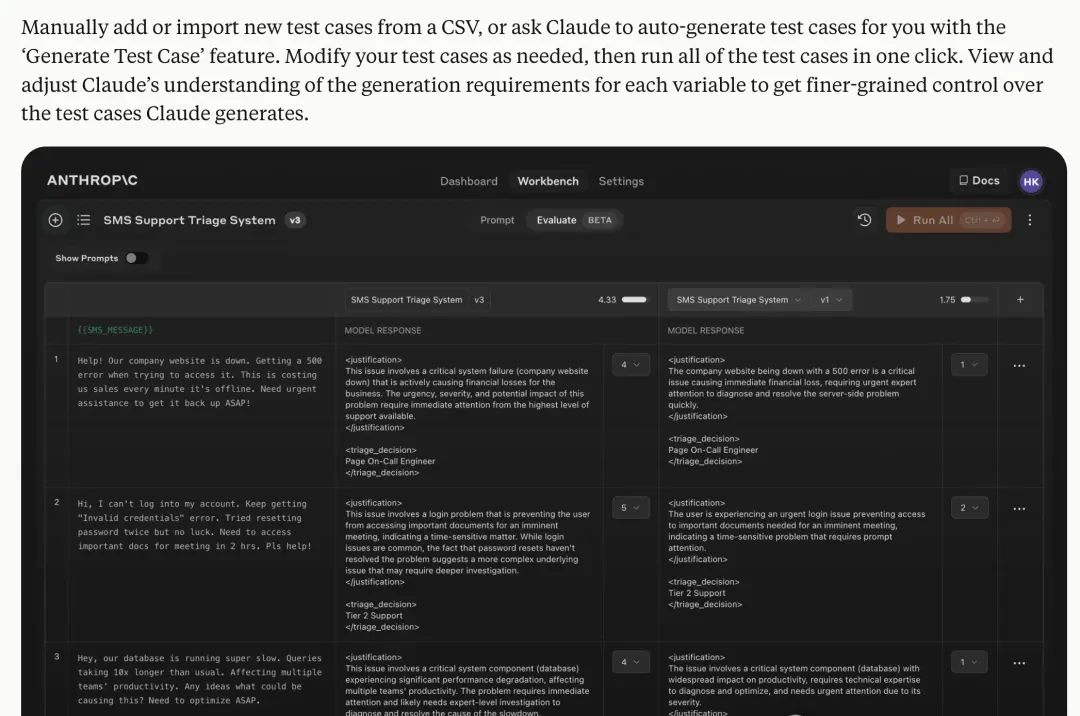
Additionally, for developers, the debugging process after writing code is a massive undertaking, including the collection of test cases.
Claude’s new Developer Console not only supports one-click import from CSV files but also uses large models to automatically generate test cases in bulk.
In short, if you are impressed by Claude’s new features, try them out yourself.
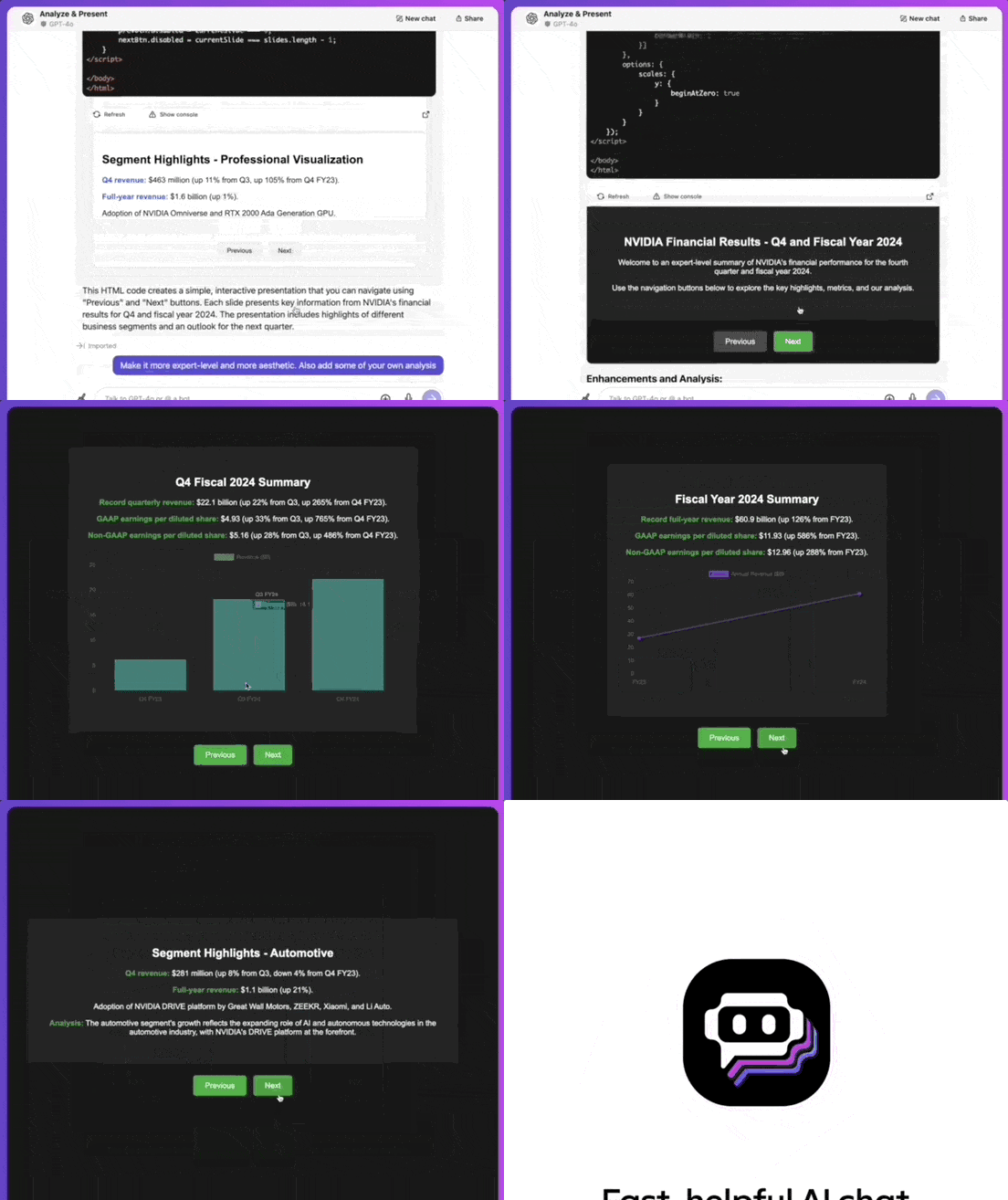
PS: If you cannot access Claude directly, “Artifacts mode” can also be experienced via the Poe platform. It supports sharing as well, and available models include not only Claude but also GPT-4o, Gemini 1.5 Pro, and other latest models.
(Below is a demo of this feature implemented using GPT-4o on Poe.)
References
- Evaluate prompts in the developer console | Claude — Generate, test, and evaluate prompts directly in the Anthropic Console with automatic test case generation and side-by-side output comparison. When building AI-powered applications, prompt quality significantly impacts r
Comments
Sign in to join the discussion and leave a comment.
Sign in with Google